

In today’s fast-paced engineering environment, companies are modernizing their design systems to remain competitive. However, many organizations still rely on years – even decades – of legacy CAD data stored in older software or formats.
It is essential to transfer this valuable design information to a modern CAD or PLM platform. Yet, it’s not as simple as just moving files – it’s a complex process that requires careful planning, validation, and the right technology.
What Is Legacy CAD Data Migration?
Legacy CAD data migration refers to the transfer of existing 2D or 3D design files, drawings and related metadata from the old system to the new, more capable environment.
This may involve:
- Moving from 2D to 3D CAD platform for better modeling and simulation.
- Transition from on-premises to cloud-based design systems.
- Transferring between different software ecosystems (for example, SolidWorks to NX, Catia to Creo).
A successful migration guarantees that all files maintain their geometry, design intent, and metadata, while also becoming accessible in contemporary, collaborative settings.
Why CAD Data Migration Matters
Older CAD systems create major challenges for modern engineering teams. Older platforms often lack compatibility with current tools, making collaboration and integration difficult.
Key reasons for migration include:
- Data accessibility: Outdated file formats may become unreadable or no longer supported.
- Efficiency: Contemporary systems offer enhanced speed for modeling, simulation, and version control.
- Collaboration: Facilitates seamless cooperation among engineers from different teams or locations.
- Digital transformation: Establishes the groundwork for the implementation of PLM, simulation, and digital twin technologies.
Transferring legacy data guarantees that design expertise is maintained and continues to contribute value to upcoming projects.
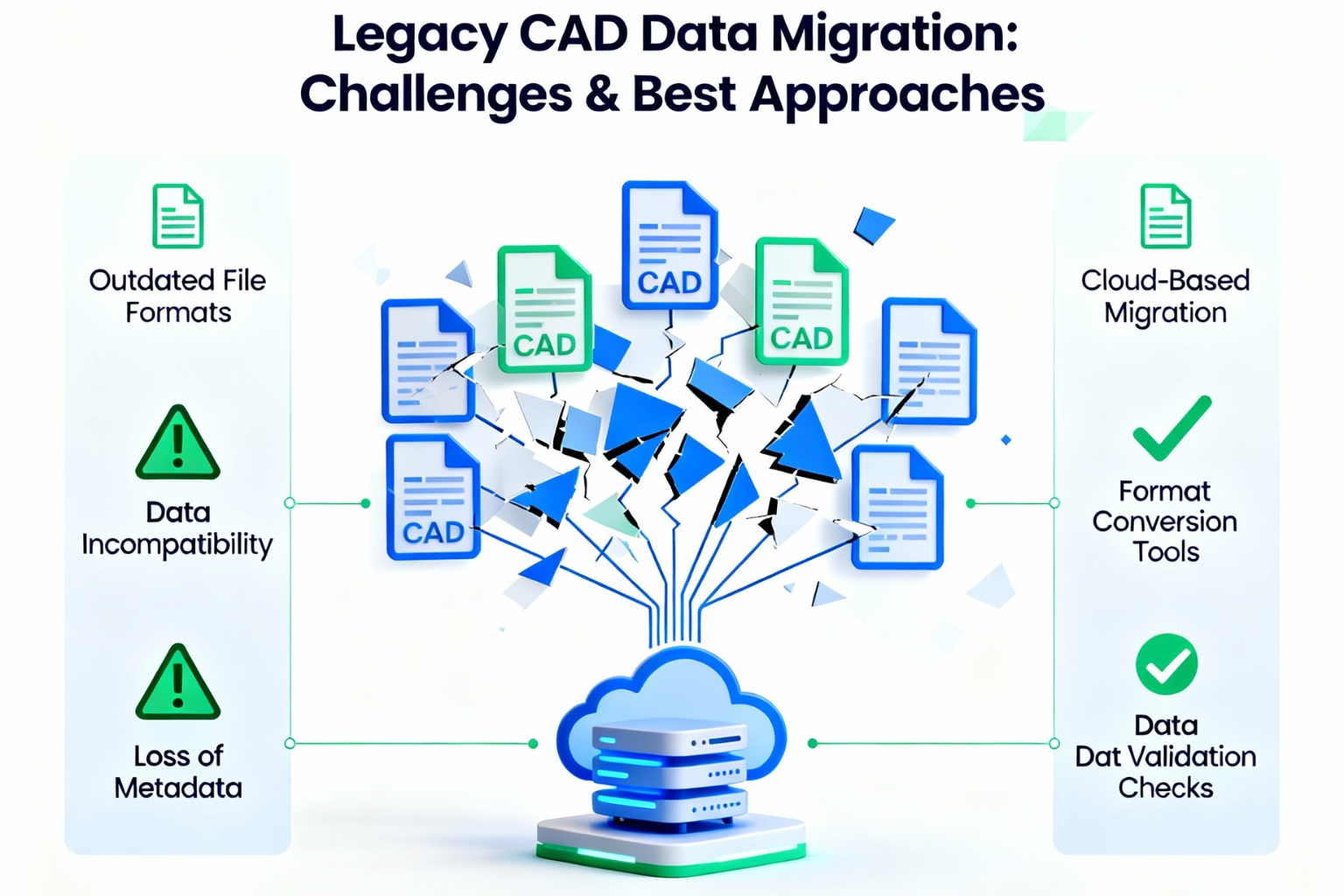
Challenges in Migrating Legacy CAD Data
CAD data migration can be technically and logistically demanding. Each file has dependencies, relationships, and metadata that must be transferred accurately.
Major challenges include:
- Data Compatibility: Different CAD systems use unique file structures and constraints.
- Loss of design intent: Parametric features or constraints may not translate correctly.
- Incomplete metadata: BOM, revision history, and content data may be lost.
- High data volume: Large organizations may have thousands of files to transfer.
- Time and resource limitations: Manual conversion can delay projects.
- Risk of errors: File corruption or broken links can affect accuracy during migration.
These obstacles highlight why a structured, step-by-step approach is essential for successful migration.
Best Approaches for Smooth CAD Data Migration
Transferring outdated CAD data necessitates more than merely software applications – it requires a well-defined strategy
1. Plan and Audit Before You Migrate
- Identify which files are active, old or unnecessary.
- Clean up duplicates and organize folder structures.
- Define migration priorities based on business needs.
2. Choose the Right Tools and Automation
- Utilize dedicated CAD migration software or converters that are compatible with various formats.
- Automate monotonous tasks such as file renaming, format conversion, and validation.
- Take into account neutral formats such as STEP, IGES, or JT to ensure interoperability.
3. Maintain Data Integrity
- Validate geometry and assembly relationships after migration.
- Check metadata consistency for part numbers, materials, and modifications.
- Run quality checks to ensure design accuracy.
4. Involve Cross-Functional Teams
- Involve design, IT, and quality departments for comprehensive oversight.
- Ensure engineers are trained on the new CAD platform to minimize workflow disruption.
5. Test, Validate, and Document
- Run a pilot migration to identify issues before increasing scaling.
- Document file mapping, conversion processes, and naming conventions.
- Have a rollback plan in case of errors during mass migration.
Adhering to these procedures guarantees a more seamless transition while minimizing data loss and downtime.
Leveraging Cloud and PLM Integration
Modern cloud-based CAD and PLM systems simplify migration by offering scalable, centralized data management.
Key advantages include:
- Secure and integrated access to all design files.
- Automated version control and collaboration tools.
- Integration with other systems such as ERP, PDM and simulation software.
- Easy scalability for future data growth and remote work environments.
Migrating legacy CAD data to a cloud-enabled system ensures long-term access and a more connected engineering workflow.
Future Trends in CAD Data Management
The future of CAD data migration is becoming more intelligent and automated.
Emerging trends include:
- AI-powered data conversion: Machine learning algorithms identify file structures and automate the conversion.
- Digital twins: Integrated models linking CAD data to real-world product performance.
- Cloud-native CAD systems: Reduce the need for future migrations by ensuring continuous compatibility.
These advancements are making CAD data management more intuitive and reliable than ever before.
Conclusion
Migrating legacy CAD data is more than a technical upgrade – it’s a strategic investment in digital continuity. It ensures decades of design knowledge remain usable, accessible, and valuable in the future.
By adopting structured planning, automation, and validation, organizations can overcome migration challenges and unlock the full potential of modern design platforms.
In an era where collaboration, efficiency and innovation define success, simulation-driven and digitally integrated CAD systems are paving the way for smarter, faster and more sustainable engineering.