

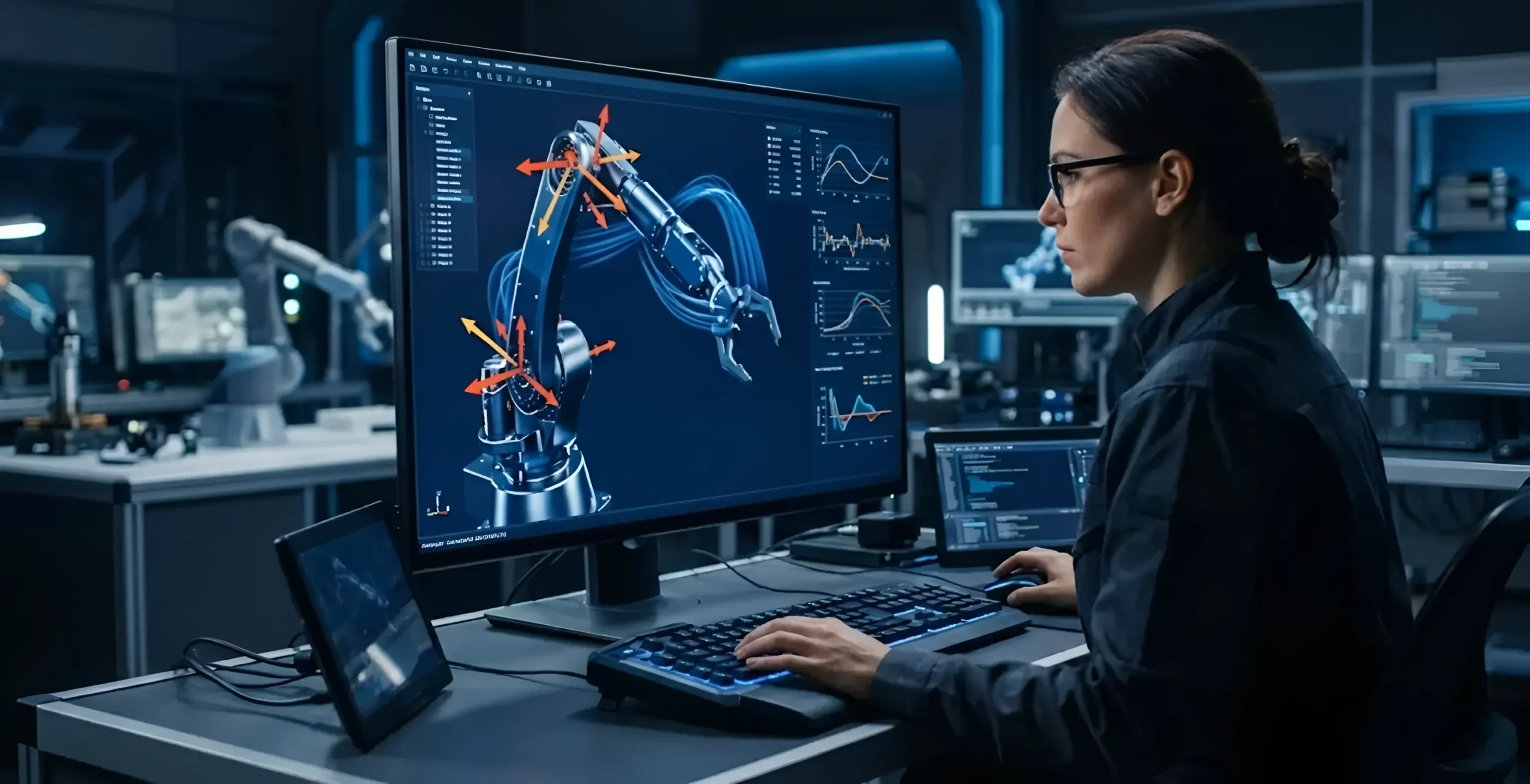
Simulation software for engineering has changed the way product teams approach motion analysis. Instead of waiting until a physical prototype is ready, engineers can now study how components move, load, and interact – all within a virtual environment.
This change has really changed how long it takes to design something, how much it costs, and how well it works, especially in fields where moving parts are important.
Simulation Software for Engineering Helps You Understand Motion Before Building Anything
Motion analysis looks at how different parts of a system move in relation to each other, taking into account things like forces, speeds, accelerations, and limits. This is a normal part of making anything with joints, actuators, linkages, or parts that spin. It is part of a field called multi-body dynamics (MBD).
Engineers can make virtual mechanical models and run motion simulations with great accuracy using tools like MSC Adams and PTC Creo Simulation Live. You can see exactly how a mechanism works in the real world without touching any of its parts.
This means that problems with the design are found at the drawing board, not on the shop floor.
Where Motion Analysis Makes the Biggest Difference
Motion analysis through engineering simulation tools is widely used across several industries:
- Automotive – Suspension systems, steering linkages, door mechanisms
- Aerospace – Landing gear deployment, control surface movement
- Industrial machinery – Conveyor systems, robotic arms, hydraulic assemblies
- Medical devices – Surgical tools, orthopedic implants, rehabilitation equipment
In each of these areas, a small mistake in how something moves can cause it to break, put people at risk, or cost a lot of money to fix. Catching those mistakes with virtual prototyping before any real testing saves time and money.
Key Benefits of Using Engineering Simulation Tools for Motion Analysis
Here’s what teams consistently gain when they bring simulation into their motion analysis workflow:
- Accurate prediction of how components will behave under load, speed, and force variations
- Fewer physical prototypes needed, which directly cuts testing costs
- Tighter integration with CAD tools like Creo, so design and simulation stay in sync
- Support for digital twin development, where a virtual model mirrors the actual product in real time
- Faster design iterations and changes can be tested in hours rather than weeks
Engineering teams can also feel more sure about their final design before it goes into production because they can quickly test a lot of different design scenarios.
How It Connects to the Broader Design Process
Motion analysis doesn’t sit in isolation. It connects directly with structural analysis (FEA), fluid dynamics (CFD), and fatigue testing. When all these simulation disciplines are part of the same workflow, engineers get a more complete picture of product performance.
For example, outputs from a multi-body dynamics simulation can feed into a structural analysis to check if a component can handle the loads it experiences during motion. This kind of co-simulation approach – supported by platforms like MSC Cosim and Adams – makes product validation much more thorough.
Product design optimization becomes much more data-driven when simulation is embedded throughout the process – not just used as a final check.
Frequently Asked Questions
What is motion analysis in engineering simulation?
In engineering simulation, motion analysis looks at how mechanical parts move in a system by taking into account forces, constraints, speeds, and inertia. It uses multi-body dynamics (MBD) solvers to guess how the physical prototype will move and act before it is made.
Which simulation software is commonly used for motion analysis?
MSC Adams is one of the most popular tools for motion analysis that can simulate multiple bodies. Another good choice is PTC Creo Simulation Live, especially for teams that are already using the Creo CAD environment. Your industry, the mechanism’s complexity, and the tools you already have will all affect what is best for you.
How does simulation software reduce product development costs?
By catching design flaws early in a virtual environment, teams avoid the cost of building and reworking physical prototypes. Fewer test cycles, shorter timelines, and fewer late-stage design changes all contribute to lower development costs. Studies consistently show that finding an error in simulation is far cheaper than finding it after manufacturing.
Wrapping Up
Motion analysis is no longer a step that product teams can skip or defer. As products become more complex and development timelines shorter, the ability to simulate mechanical behavior early – and accurately – has become a standard part of how good engineering teams work.
Whether you’re designing a new suspension system, a robotic joint, or an industrial actuator, the right mechanical simulation software gives you the data to make better decisions, faster.
If you’d like to explore how simulation tools can fit into your current design workflow, feel free to get in touch or request a demo.